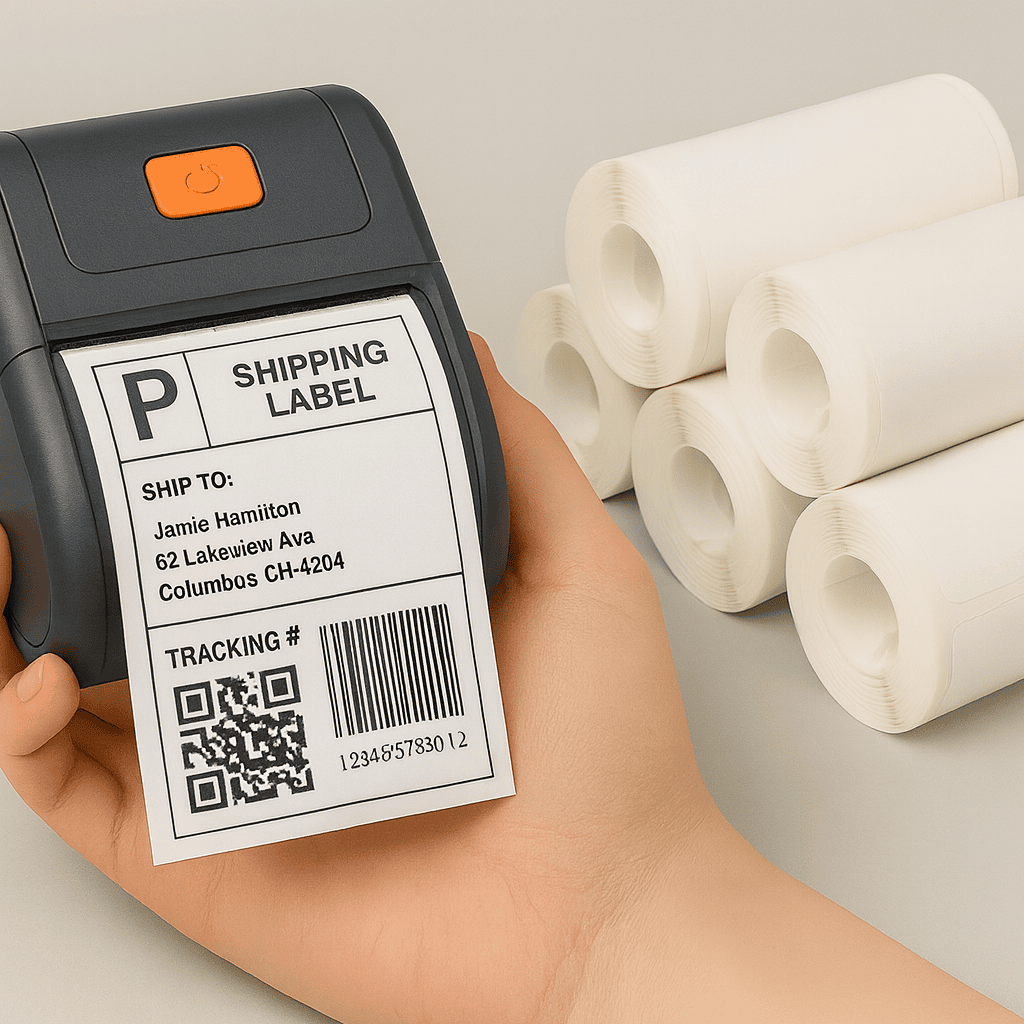
Start With the Printer Before Choosing the Roll
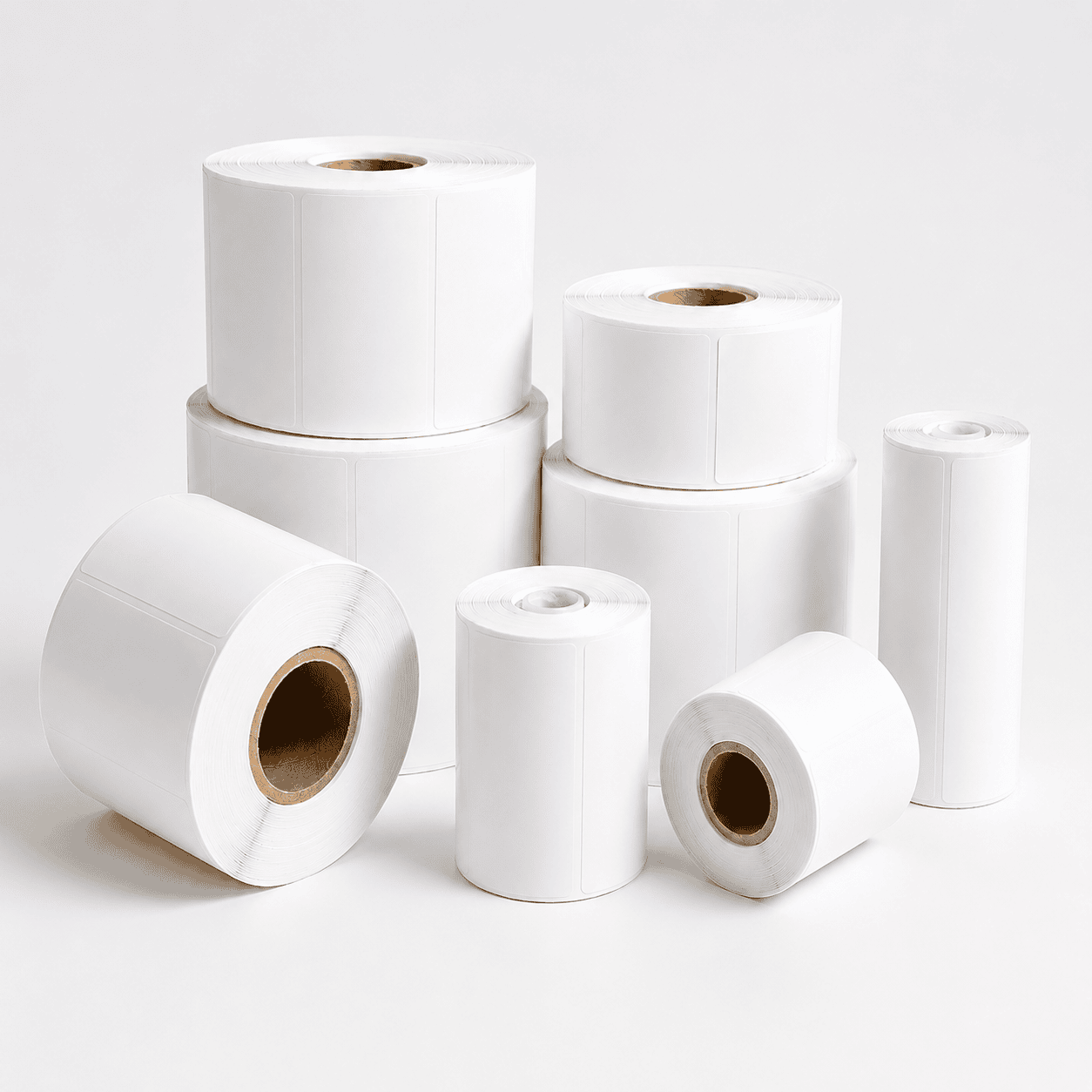
Thermal label roll size is not only about the label width and height. The roll also needs to match your printer’s core size, maximum outer diameter, sensor position, and feeding direction.
A roll may look correct at first, but it can still cause feeding problems if the core does not fit, the roll is too large for the printer compartment, or the label layout does not match the printer sensor.
For shipping labels, barcode labels, warehouse labels, and product identification, checking the roll specification before ordering helps keep printing smooth and reduces wasted labels.
Check the Core Size Before Ordering
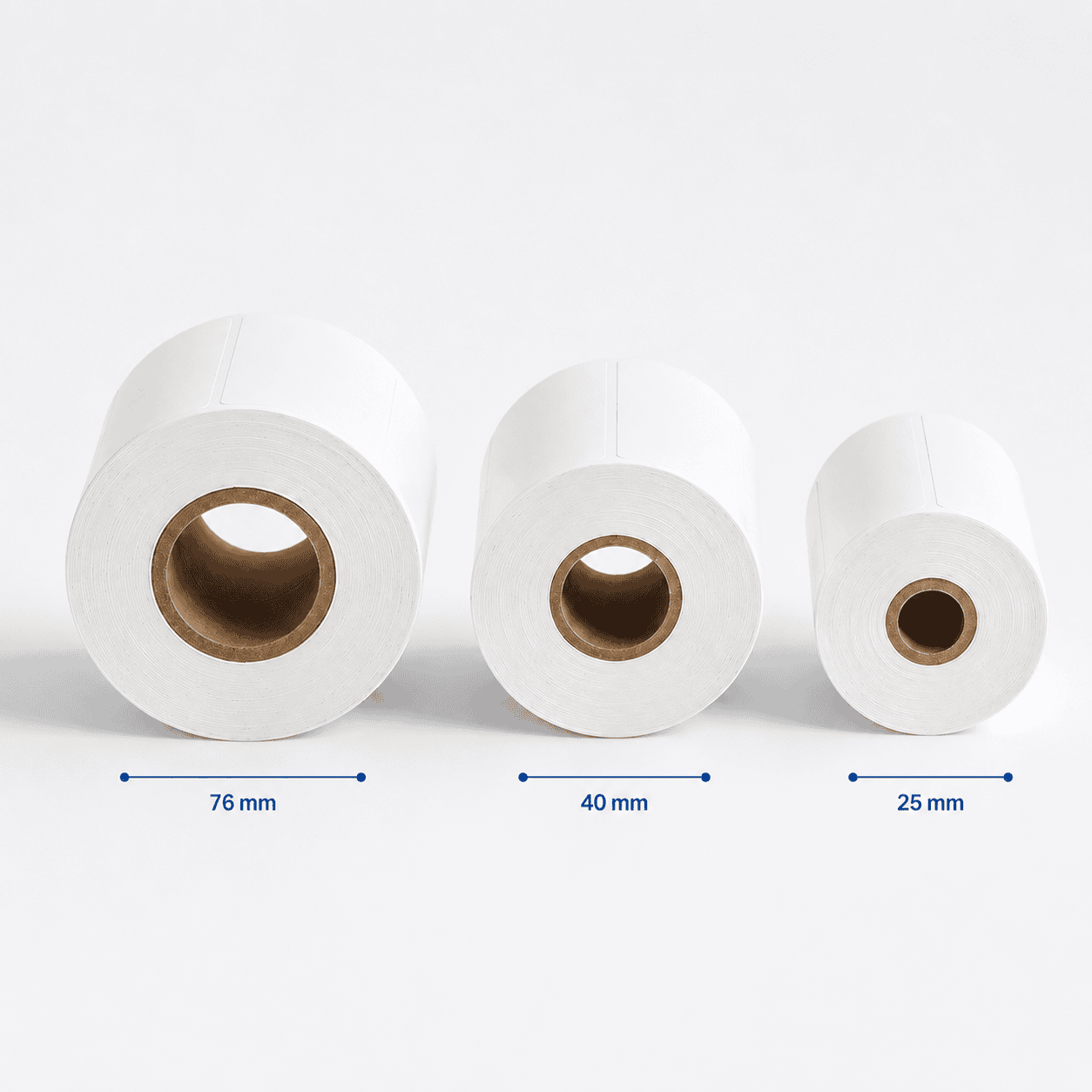
Core size is the inner diameter of the roll. It decides whether the label roll can fit correctly on your printer holder or spindle.
Common thermal label roll core sizes include 25 mm, 40 mm, and 76 mm. Small desktop printers often use smaller cores, while industrial or high-volume printers may require larger core sizes.
Before ordering, check your printer manual or the roll currently used in your printer. Matching the core size helps the roll feed smoothly and reduces the risk of unstable printing.
Match the Label Layout With Your Printer Sensor
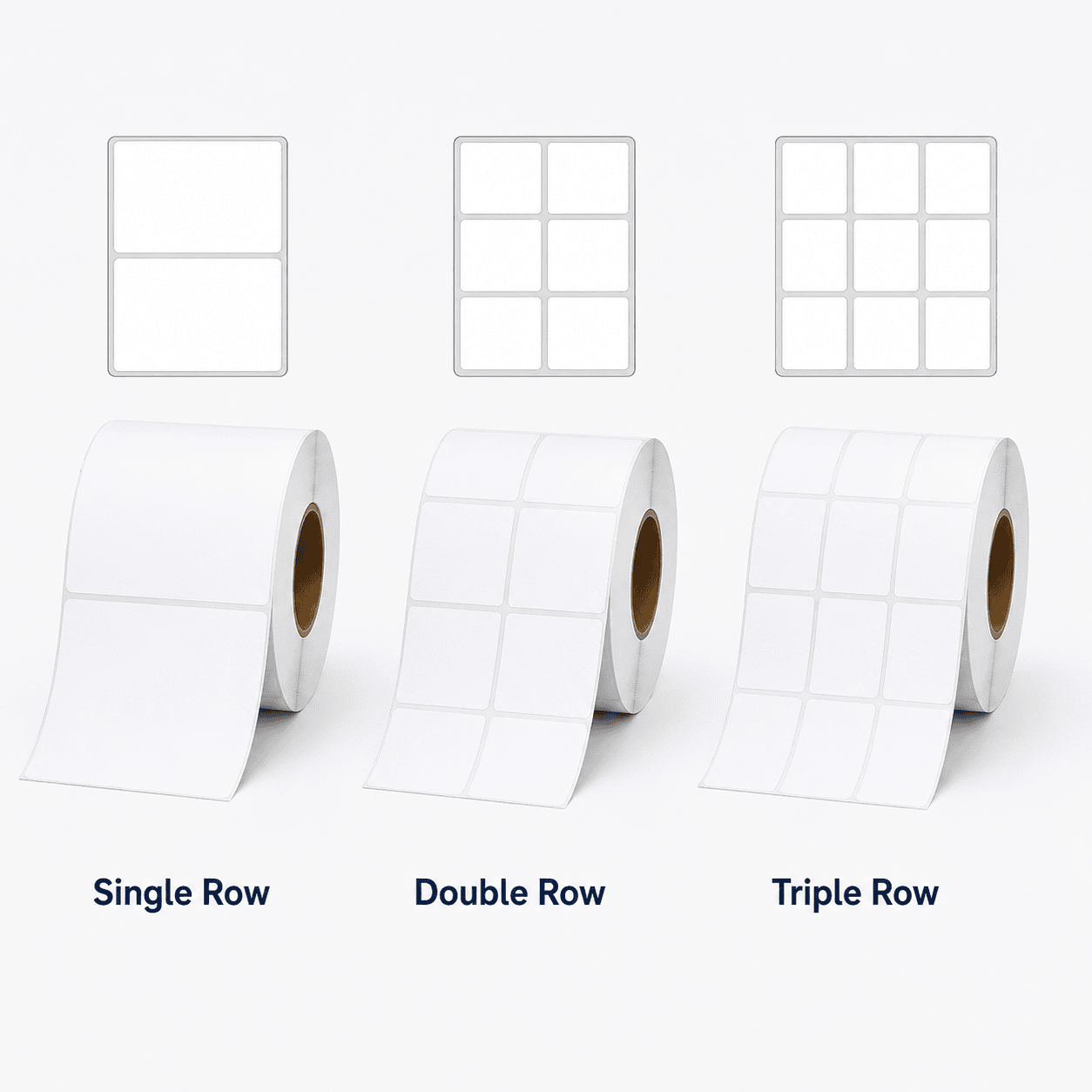
Thermal label rolls can be produced in single-row, double-row, or multi-row layouts. The right layout depends on the label size, printer width, and how the printer detects each label during feeding.
Single-row labels are common for shipping labels, barcode labels, and general packaging use. Double-row or triple-row layouts can improve production efficiency when smaller labels are printed in larger quantities.
Before choosing a multi-row layout, confirm whether your printer and sensor can recognize the gap, black mark, or label edge correctly. This helps prevent skipped labels, misalignment, or unstable printing.
Match the Roll With Your Printer Type
Different thermal printers support different roll sizes. A portable label printer may only accept small rolls, while a desktop or industrial printer can usually handle larger outer diameters and wider label formats.
Before ordering label rolls, check the printer compartment, supported roll width, core size, and maximum outer diameter. These details are especially important when using compact printers for shipping labels, barcode labels, or on-site labeling work.
If your printer uses a small internal holder, choosing a roll that is too large may stop the cover from closing or cause unstable feeding. For higher-volume printing, larger rolls may be more efficient when the printer supports them.