
SHIPPING LABEL FORMAT
The Label Size Can Stay the Same While the Supply Format Changes the Workflow
Fanfold and roll shipping labels can use the same face material, adhesive, print technology and finished label size, but the way the labels are supplied changes how they are loaded, stored and handled at the packing station. For a common 4 × 6 inch shipping label, the main difference is not the information printed on the label—it is how the label stock is fed into the printer.
Fanfold labels are supplied as a continuous stack that folds back and forth along perforated or scored sections, while roll labels are wound around a paper or plastic core. This affects printer compatibility, media capacity, desktop space, changeover frequency and how easily an operator can keep the printing process running during busy shipping periods.
For warehouses, fulfilment centres and e-commerce packing stations, choosing between the two formats should start with the printer setup and daily workflow rather than the label appearance alone. PaperMyna develops logistics labels around the required printer, label dimensions, core or fanfold format, winding direction and application environment.
FORMAT COMPARISON
Fanfold Labels and Roll Labels Fit Different Printer Setups
The main decision is not which format looks better on the finished parcel, but which one fits the printer, operator workflow and label supply method used at the packing station. Both formats can use the same thermal material and finished label size, but they behave differently once they are loaded into the printing setup.
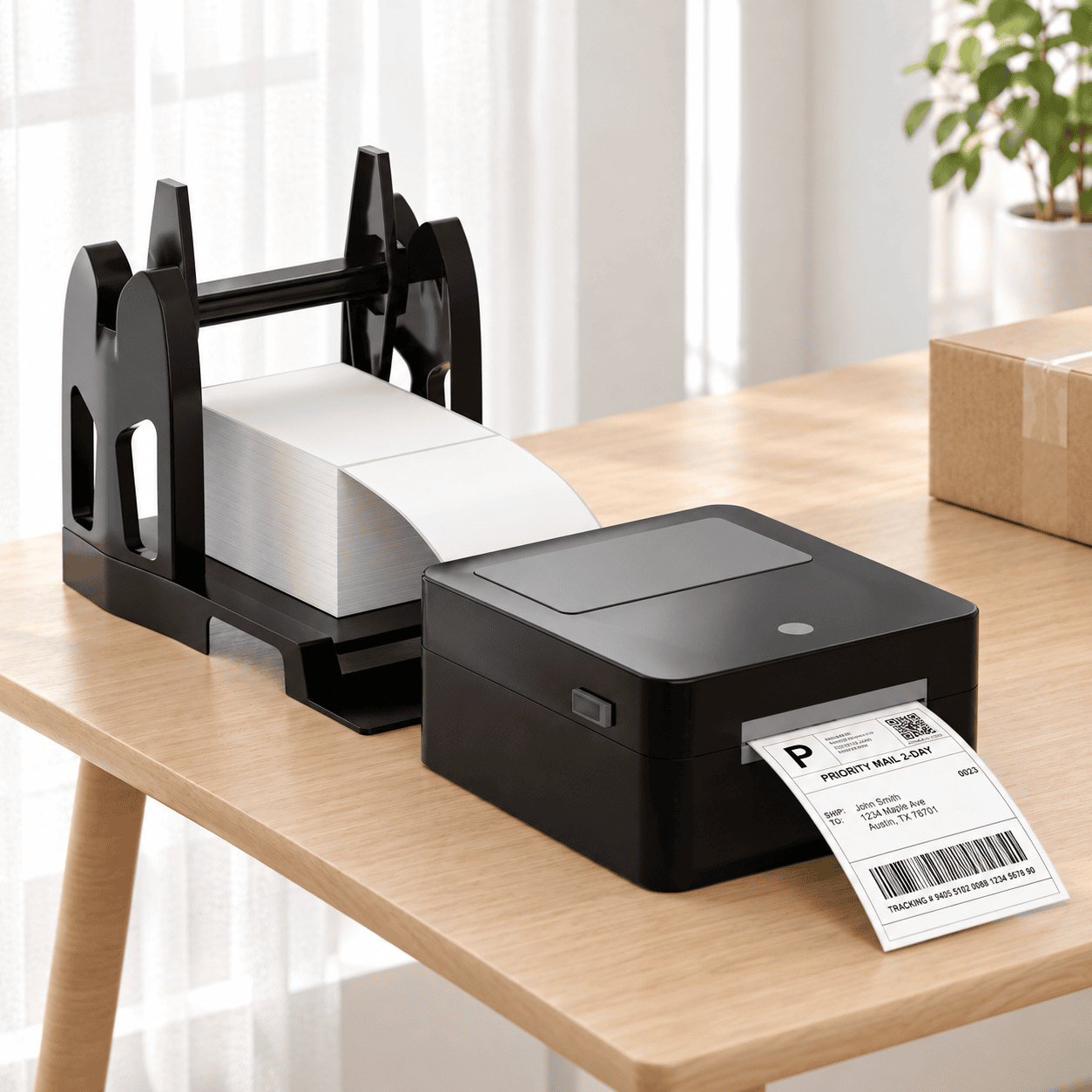
FANFOLD FORMAT
Fanfold Shipping Labels
Fanfold labels are supplied as a continuous stack that folds back and forth between individual labels. The stack normally sits behind or below the printer and feeds through a rear media slot without using a roll core.
- Suitable for printers that support rear-feed or external media.
- Larger stacks can reduce label changeovers during busy shipping periods.
- No roll core or maximum roll diameter needs to be accommodated.
- Common for 4 × 6 inch shipping labels at packing and fulfilment stations.
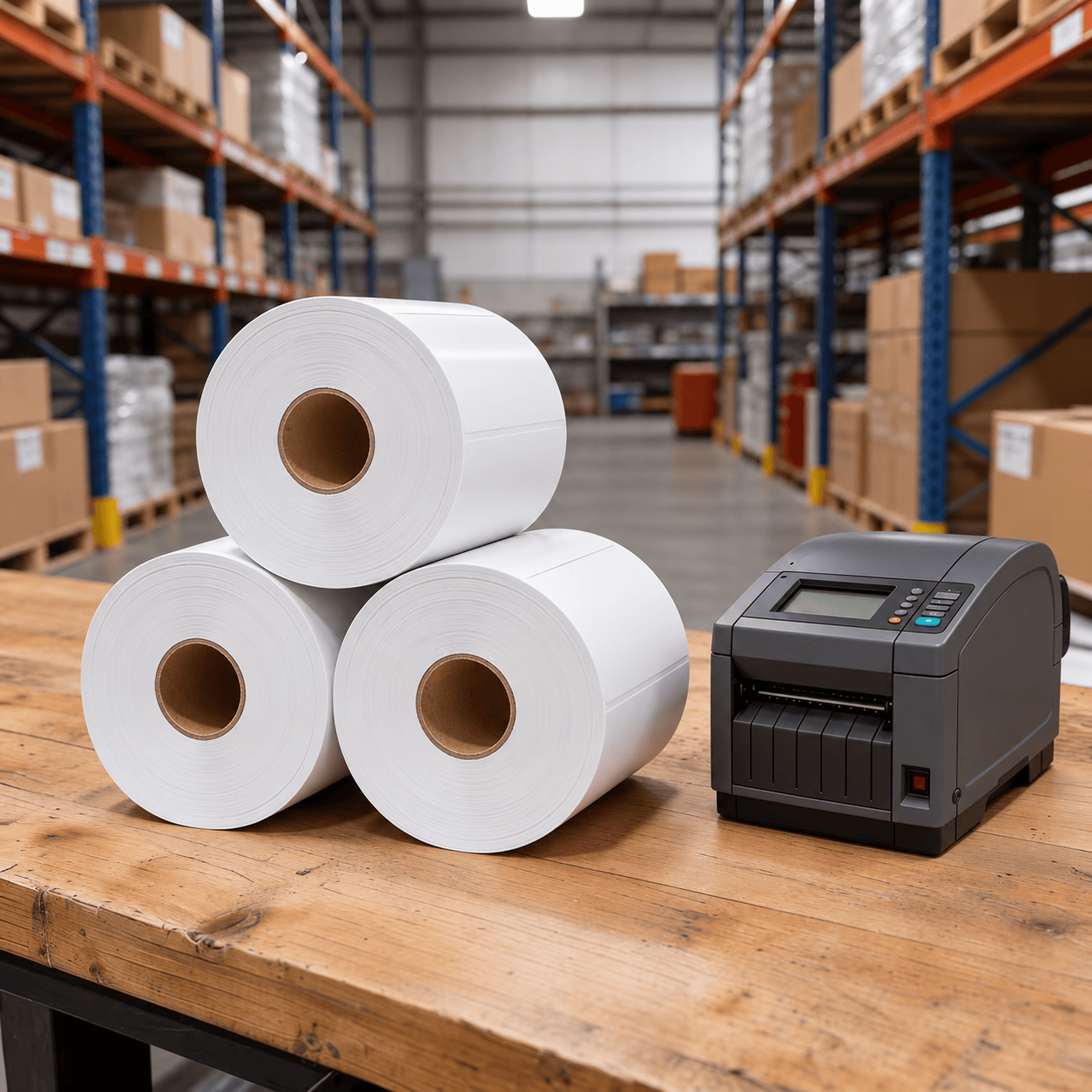
ROLL FORMAT
Roll Shipping Labels
Roll labels are wound around a paper or plastic core and can be loaded inside the printer or mounted on an external holder. The correct roll construction depends on the printer's media compartment and feeding specification.
- Compatible with many desktop and industrial thermal printers.
- Core size and maximum outer diameter must match the printer setup.
- Winding direction can matter when labels feed through external equipment.
- Convenient where the packing station already uses roll-based media.
PRINTER COMPATIBILITY
Check the Printer Before Choosing the Label Supply Format
A shipping label can have the correct size, material and adhesive but still be inconvenient to use if the supply format does not match the printer. Before ordering fanfold or roll labels, check how the printer accepts media, how much stock it can hold and whether external feeding is supported.
| Printer Setup | Media Capacity | Suitable Format | Check Before Ordering |
|---|---|---|---|
| Desktop Printer | Internal space usually limits roll diameter and the number of labels that can be loaded at one time. | Internal roll, or fanfold labels when rear-feed media is supported. | Core size, maximum roll diameter and rear-feed slot. |
| Industrial Printer | Larger internal rolls can support longer print runs between media changes. | Roll labels are common for continuous warehouse and fulfilment printing. | Core diameter, maximum outer diameter and winding direction. |
| Rear-Feed Printer | Media capacity is not restricted by the printer's internal roll compartment. | Fanfold labels or externally supplied roll labels. | Rear media path, available workspace and smooth feeding. |
| External Roll Holder | A larger roll can be used than the printer may accept internally. | Roll labels where external media feeding is supported. | Roll width, winding direction, holder capacity and feed alignment. |
If the printer model is already known, checking its media specification before production is usually the fastest way to confirm whether fanfold, internal roll or external roll feeding is the most practical setup.
Shipping Labels Built Around Your Printer and Workflow
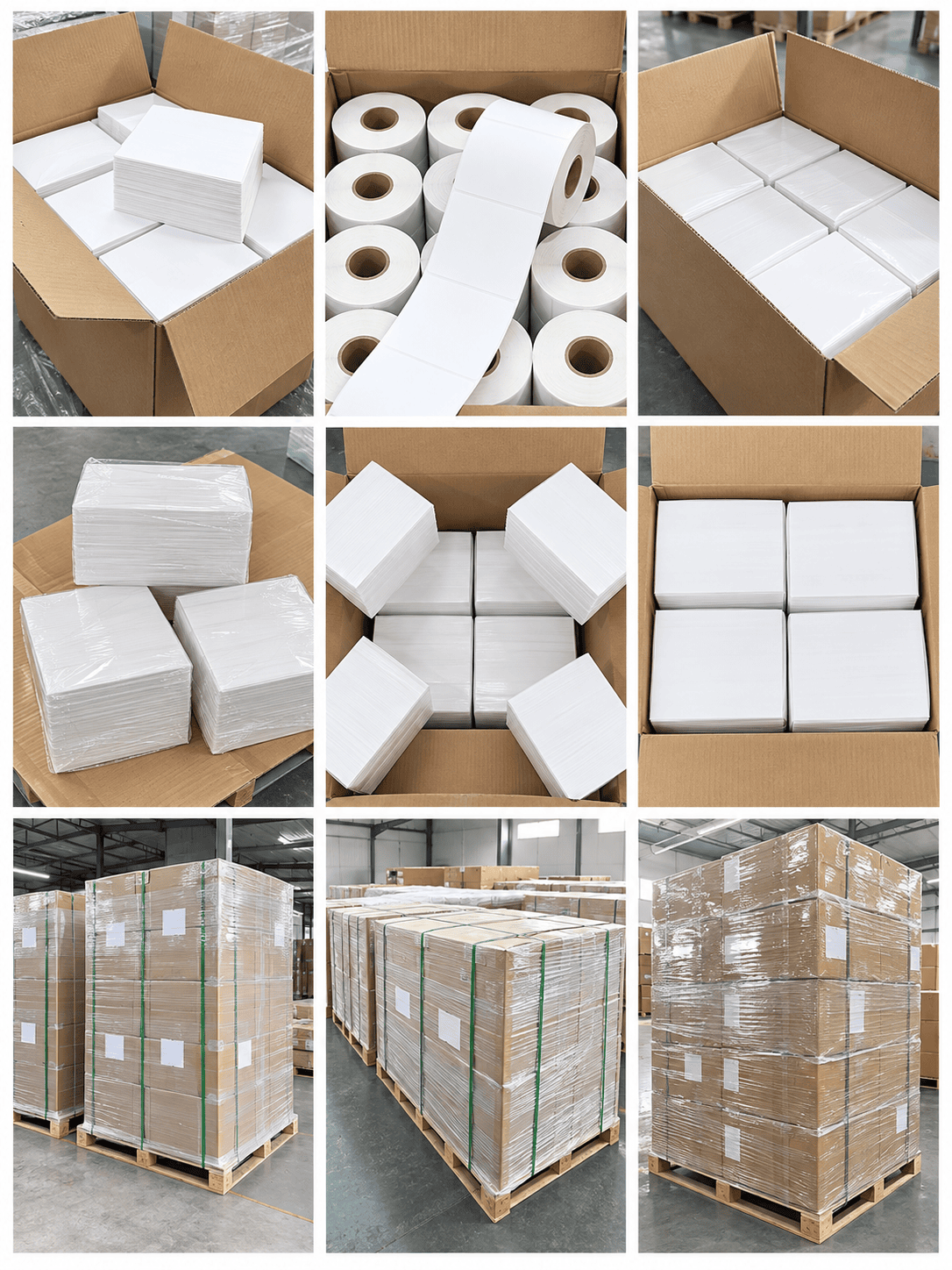
A practical shipping label specification goes beyond choosing between fanfold and roll formats. Label dimensions, printer compatibility, material construction and packing quantities should work together with the way labels are printed, stored and replenished in daily operations.
FORMAT SELECTION
When Fanfold Makes More Sense—and When Roll Labels Are the Better Fit
There is no single supply format that works best for every shipping operation. The practical choice depends on the printer setup, available workspace, label volume and how often operators need to replace media during the day.
Choose Fanfold Labels When
The printer supports rear-feed media and there is enough space behind or below the machine for a continuous label stack.
Fanfold can also be useful when the packing station needs a higher label count without being restricted by an internal roll diameter or roll core.
It is often a practical option for busy shipping stations where fewer media changes can help keep the packing workflow moving.
Choose Roll Labels When
The printer is designed primarily for roll media or the existing warehouse setup already uses defined core sizes and roll diameters.
Roll labels are also convenient when compact handling, predictable roll quantities and straightforward printer loading are more important than maximising the number of labels in one external supply.
Larger industrial printers or external roll holders can further increase roll capacity for higher-volume operations.
For either format, the safest specification starts with the printer model, finished label size and expected daily print volume. Those three details usually narrow the choice quickly.
RELATED GUIDES
More Guides for Shipping, Thermal and Barcode Labels
Explore related guides on label roll direction, thermal printing methods and barcode print quality to help match shipping labels with your printer, application and warehouse workflow.
PRINTER COMPATIBILITY
Learn how unwind direction, face-in or face-out winding, leading-edge orientation, core size and roll diameter affect printers and label applicators.
THERMAL PRINTING
Compare direct thermal and thermal transfer labels by printer setup, ribbon requirements, durability and common shipping, barcode and warehouse applications.
BARCODE PRINTING
Learn how label size, barcode layout, print darkness, printer speed, material and label placement can affect barcode readability in daily logistics workflows.
SHIPPING LABEL FAQ
Common Questions About Fanfold and Roll Shipping Labels
Choosing between fanfold and roll shipping labels usually comes down to printer compatibility, media capacity and the way labels are handled at the packing station. The questions below cover the details most buyers should confirm before placing an order.
Yes. The same finished label size, face material, adhesive and thermal coating can often be supplied in either fanfold or roll format. The main difference is how the labels are converted and presented to the printer. For roll labels, the core size, roll diameter and winding direction need to be confirmed. For fanfold labels, the stack quantity and rear-feed compatibility are more important.
No. The printer needs to support external or rear-feed media. Some desktop printers include a rear media slot that allows a fanfold stack to sit behind the machine, while others are designed only for internal rolls. Checking the printer model and media path before ordering helps avoid feeding problems.
The correct core size depends on the printer and whether the roll is loaded internally or used with an external holder. Desktop printers usually require smaller cores and limited outer roll diameters, while industrial printers can often handle larger rolls. The printer specification should be checked before confirming the roll construction.
They can be useful when a larger external label supply helps reduce media changes, but they are not automatically the best option for every high-volume operation. Industrial printers with large rolls can also support long print runs. The better format depends on printer capacity, available workspace and how the packing station is organised.
Useful details include the finished label size, printer model, direct thermal or thermal transfer requirement, label material, adhesive, fanfold or roll format, core size and roll diameter where applicable, winding direction, quantity per roll or stack, total order quantity and delivery destination. If the label will be applied to cartons, mailers or other packaging, the application surface and storage conditions are also helpful.
DISCUSS YOUR SHIPPING LABEL PROJECT
Need Fanfold or Roll Shipping Labels for Your Printer Setup?
Share your printer model, finished label size, direct thermal or thermal transfer requirement, preferred fanfold or roll format, core size, roll diameter, winding direction, labels per roll or stack, adhesive requirement and estimated order quantity. PaperMyna can help review the specification and develop shipping labels that fit your warehouse, fulfilment or packing workflow.